7 Steps to build and scale an online course
Introduction: How to Build an Online Course.
Its not expensive or intimidating to build an Online Course. With the right free tools, you can design, record, and publish an Online Course that educates and inspires learners worldwide.
This guide will not only walk you through the process step‑by‑step, by using accessible platforms that won’t cost you a rupee but I will share valuable insights of what to do and what not to do so that it will take minimum efforts and time in your journey towards build and Online Course.
Why Online Course
Think, you’ve got the skills, experiences, or even quirky hacks that could make someone else’s life looking for a solution easier. Why keep them locked away?
An online course lets you share your expertise with a global audience — whether that’s teaching design basics, explaining how to ace exams, or even showing people, very basic things like how to make the perfect cup of chai or a perfect bowl of rice.
When you put your knowledge out there, you’re not just teaching — you’re building authority in your niche. Suddenly, you’re not “just another person with ideas,” you’re the go‑to guide people trust. And trust me, that feels pretty amazing.
Here’s the best part is: online courses can also create passive income streams. Imagine waking up to find that while you were sleeping, someone across the world enrolled in your course. You did the work once, and now it keeps paying you back. That’s the kind of side hustle that doesn’t just pay bills — it builds freedom.
And the best part? You don’t need a fancy studio or a big budget. With free tools and a bit of creativity, you can empower learners without needing upfront investment. It’s proof that you don’t need to be rich to start teaching — yust need the courage to hit “record” and share what you know.
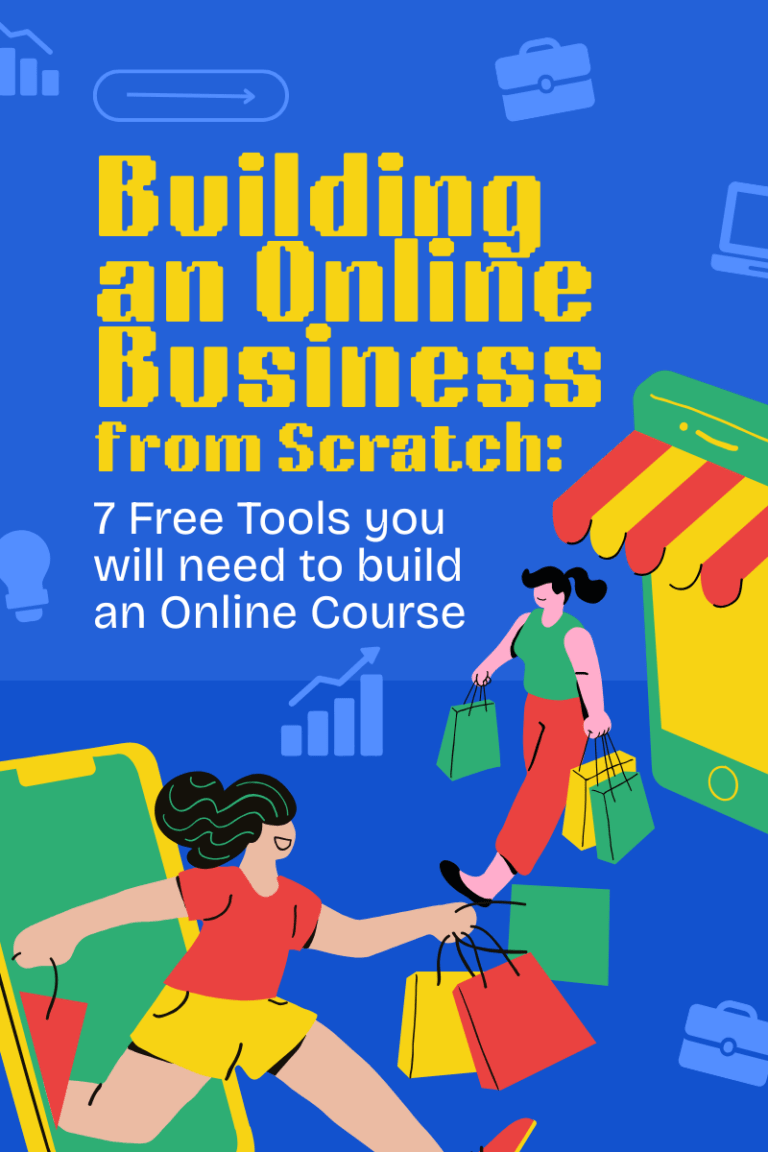
7 Free Tools for Online Course Creation You will Need.
When you’re starting out, the idea of building an online course can feel overwhelming. But here’s the good news: you don’t need expensive software or a production studio.
These free tools for Online Course Creation that I have listed exclusively for you will cover everything from writing lessons to hosting your course.
Google Docs & Slides – Content Creation Think of Google Docs as your digital notebook. It’s where you’ll draft lessons, scripts, or even brainstorm ideas. Pair it with Google Slides to design simple, clean presentations. Both are cloud‑based, so you can access them anywhere and share with collaborators in seconds.
Canva – Visual Design A course without visuals is like a book without a cover. Canva’s free plan lets you create eye‑catching graphics, worksheets, and thumbnails that make your course look professional. Even if you’re not a designer, Canva’s drag‑and‑drop templates make you feel like one.
OBS Studio – Video Recording If your course involves video lessons, OBS Studio is your best friend. It’s free, open‑source, and perfect for recording lectures, tutorials, or screen shares. Whether you’re teaching coding or cooking, OBS helps you capture it all without spending a dime.
Audacity – Audio Editing Clear audio makes a huge difference. Audacity is a free tool that helps you polish your recordings, remove background noise, and sound like a pro. Great for podcasts, voiceovers, or any course where your voice does the heavy lifting.
Loom – Quick Video Lessons Sometimes, short and snappy videos are all you need. Loom’s free plan lets you record bite‑sized lessons and share them instantly. It’s perfect for quick tips, walkthroughs, or bonus content that keeps learners engaged.
Google Forms – Student Feedback Want to know what your students think? Google Forms makes it easy to collect feedback, run quizzes, or even accept assignments. It’s simple, free, and helps you improve your course based on real learner input.
Teachable (Free Plan) or Thinkific (Free Plan) – Course Hosting Finally, you’ll need a place to host your course. Both Teachable and Thinkific offer free plans where you can upload lessons, manage students, and even sell your course. No upfront costs, just a platform that helps you share your knowledge with the world.
Think, you’ve got the skills, experiences, or even quirky hacks that could make someone else’s life looking for a solution easier. Why keep them locked away?
An online course lets you share your expertise with a global audience — whether that’s teaching design basics, explaining how to ace exams, or even showing people, very basic things like how to make the perfect cup of chai or a perfect bowl of rice.
When you put your knowledge out there, you’re not just teaching — you’re building authority in your niche. Suddenly, you’re not “just another person with ideas,” you’re the go‑to guide people trust. And trust me, that feels pretty amazing.
Here’s the best part is: online courses can also create passive income streams. Imagine waking up to find that while you were sleeping, someone across the world enrolled in your course. You did the work once, and now it keeps paying you back. That’s the kind of side hustle that doesn’t just pay bills — it builds freedom.
And the best part? You don’t need a fancy studio or a big budget. With free tools and a bit of creativity, you can empower learners without needing upfront investment. It’s proof that you don’t need to be rich to start teaching — yust need the courage to hit “record” and share what you know.
Creating an online course doesn’t have to be expensive or intimidating. With the right free tools, you can design, record, and publish a course that educates and inspires learners worldwide. This guide walks you through the process step‑by‑step, using accessible platforms that won’t cost you a rupee.
Step by Step Roadmap for Creating Online Course.
1. Plan Your Course Every great course starts with clarity. Ask yourself: What do I want my students to learn? Define your topic, your target audience, and the specific outcomes they’ll achieve. For example, instead of “Photography Basics,” frame it as “Learn to Shoot Stunning Photos on Your Phone in 7 Days.” Clear outcomes make your course irresistible.
2. Create Content Once your plan is set, start drafting lessons in Google Docs. Keep them simple, structured, and easy to follow. Use Canva to design slides that bring your ideas to life visually. Remember, learners love bite‑sized lessons — so break big topics into smaller, digestible chunks.
3. Record Lessons This is where your course comes alive. Use OBS Studio for full video lectures or Loom for quick, snappy tutorials. If you’re focusing on audio, Audacity will help polish your voice recordings. Don’t stress about being perfect — authenticity beats a scripted performance every time.
4. Package Materials Think of this step as adding the “extras” that make your course stand out. Create worksheets, quizzes, or checklists to reinforce learning. These resources help students apply what they’ve learned and feel more engaged.
5. Host Your Course Now it’s time to put your course online. Platforms like Teachable and Thinkific (both with free plans) let you upload lessons, organize modules, and manage students. They handle the tech side so you can focus on teaching.
6. Promote & Engage Your course won’t sell itself — promotion is key. Share snippets on social media, write blog posts, or even record short teaser videos. Use Google Forms to collect feedback and improve your content. Engaging with your students builds trust and keeps them coming back for more.
Beginner Friendly Quick tips for Creating Online Course.
1. Start Small, Then Scale Don’t wait to create a 20‑module masterpiece. Begin with a short, focused course — maybe 3–5 lessons — and expand later. Small wins build confidence.
2. Keep Lessons Bite‑Sized Learners love clarity. Break big topics into short videos or slides (5–10 minutes each). It’s easier to digest and keeps attention high.
3. Focus on Outcomes, Not Just Information Instead of dumping knowledge, show learners how to apply it. For example, “By the end of this lesson, you’ll be able to design a Canva graphic in 10 minutes.”
4. Use Stories & Examples People remember stories more than slides. Share real‑life experiences, case studies, or even mistakes you made — it makes learning relatable.
5. Test Your Tech Before Launch Record a sample video, check your audio, and preview your slides. A quick test saves you from awkward glitches later.
6. Engage Learners Early Add quizzes, polls, or worksheets right from the start. Interaction keeps students motivated and makes your course feel dynamic.
7. Collect Feedback & Improve Use Google Forms or simple surveys to ask learners what worked and what didn’t. Continuous improvement is the secret to long‑term success.
8. Promote Consistently Don’t just launch and disappear. Share snippets, tips, or behind‑the‑scenes content on social media to keep your course visible.
Frequently asked question by Beginners on Creating Online Courses
Frequently Asked Questions (FAQ)
Q1: Can I really build an online course for free?
Absolutely 100%! I am very sure you can do it. With tools like Google Docs, Canva, OBS Studio, and Teachable’s free plan, you can create and launch a course without spending a rupee. The only investment you’ll need is your time and creativity.
Q2: Do I need to be an expert to teach online?
No. Absolutely Not at all. You don’t need a PhD to share knowledge. If you’ve solved a problem, learned a skill, or developed a system that others struggle with, you’re already ahead. Beginners often prefer learning from someone relatable rather than a “perfect” expert.
Q3: How long should my first course be?
Short and sweet works best. As a Beginner aim for 3–5 lessons, each 5–10 minutes long. Once you build confidence and get feedback, you can expand into longer, more detailed courses.
Q4: Which free platform is best for hosting my course?
Teachable and Thinkific both offer free plans. Teachable is great for simple setups, while Thinkific gives you more customization. Try both and see which feels easier for you.
Q5: How do I make my course engaging?
You can mix formats as a beginner — slides, videos, worksheets, and quizzes. Add personal stories and real‑life examples. Learners connect more when they see how the knowledge applies in everyday life.
Q6: Can I earn money from a free course?
Yes! Even free courses can lead to income. You can upsell advanced modules, offer coaching, or build an audience that later buys your premium content. Many creators start free to build trust, then monetize gradually.
Q7: How do I promote my course without a budget?
Leverage social media, LinkedIn posts, blogging, and even WhatsApp groups. Share snippets, tips, or behind‑the‑scenes content to spark curiosity. Word of mouth is powerful when your content is genuinely helpful.